Table of Contents
ToggleHow PCB Gets Dirty?
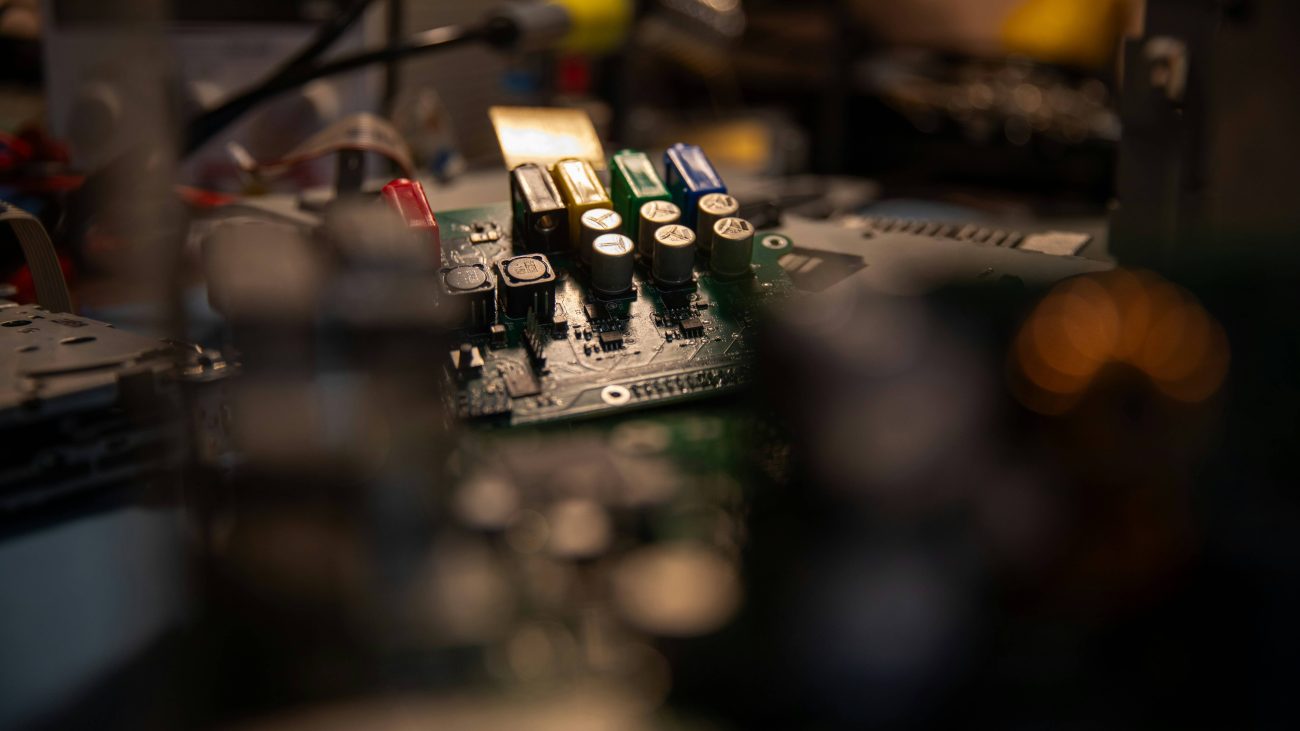
Over time, dust and dirt can accumulate in the end-use product of a printed circuit board. In addition to these airborne contaminants, the PCB manufacturing process may also generate pollution. They can be residues from drilling, plating, etching chemicals, and flux compounds. During soldering, residues may remain on the board, thus keeping it dirty. Similarly, assembly components may introduce conductive and non-conductive materials such as oil, grease, and other contaminants.
Types of Contaminations on Circuit Board
Particulate Contamination
Organic Contamination
Chemical Contamination
Thermal Contamination
PCB Cleaning Methods
Cleaning printed circuit boards is also very delicate. Choosing the wrong method for cleaning a printed circuit board can lead to several problems. It may damage connections, loosen components, and harm the materials. So when choosing a cleaning method, it is important to choose the right one.
Manual Cleaning

Ultrasonic Cleaning

Solvent Cleaning
- PCB Cleaning Isopropyl: During this process, Isopropyl alcohol is applied using a brush, wipe, or spray. It effectively dissolves flux residues, oils, and other contaminants on the PCB surface. After application, the board is gently wiped or brushed to remove the dissolved impurities. The alcohol evaporates quickly. This leaves behind a clean and dry surface.
- Distilled Water: The use process is the same as isopropyl alcohol. The water helps dissolve and rinse contaminants such as dust, dirt, and residues. Unlike some other solvents, distilled water is non-conductive and non-corrosive. This makes it safe to use on electronic components. However, it may not effectively remove certain contaminants, and thorough drying is essential to prevent water damage to the PCB.

Automated Cleaning Systems

PCB Cleaning Spray

PCB Cleaning Tools and Equipment
- Brush: Anti-static brushes, made of synthetic or natural fibers, remove loose dirt and debris. They do not generate static electricity.
- Lint-free Brush: Lint-free wipes are specialized cleaning cloths used to leave no lint, fibers, or residue on the surface they clean.
- Isopropyl Alcohol: Oils, dirt, and other contaminants are dissolved in isopropyl alcohol. These dissolved components then evaporate along with alcohol, leaving the surface clean.
- Compressed Air: The high-pressure air blast dislodges dirt and debris from the PCB surface. It must be used carefully so as not to damage the components.
- Ultrasonic Cleaner: They use high-frequency sound waves to create microscopic cavitation bubbles in a cleaning solution. When these bubbles collapse, they generate tiny but powerful shockwaves. These shockwaves are responsible for dislodging any dirt or grime present.
- Flux Removers: Isopropyl Alcohol, Acetone, specialized sprays, and water-based cleaners are some of the flux removers. These work by dissolving the flux residues left on the PCB after soldering. They penetrate the residue and break down its chemical structure. The dissolved flux can then be easily wiped away or rinsed off.
- Drying Ovens: These ovens utilize controlled heat and airflow to evaporate moisture.
When to Clean a PCB?
- After Manufacture and Assembly: The PCB boards must be cleaned immediately following manufacture to remove solder flux residues, oils, and other extraneous materials picked up during the build.
- Visible Contaminants: The board should be cleaned off when you see any visible sign of dust and dirt on the board.
- Before and After Repair: The board must not have contaminants before the repair process begins. Likewise, after completion, the board must be cleaned to remove the grease/oils present.
- Performance Issues: If at any time the device is struggling with performance and running too hot, or maybe it is locking up and rebooting randomly, it could be the result of a buildup of dust. In these cases, the board should always be cleaned properly.
- Regular Maintenance: The boards should be cleaned regularly, especially in constant use and dusty or highly humid environments. This will prevent dirt, dust, and other airborne impurities from accumulating.
Why is Clean PCB Important?
When any user requires a board to run longer, the board must be preserved or cleaned over the years. To maintain optimal performance and prevent overheating, users should regularly clean the boards. This practice helps reduce power consumption and minimizes the risk of corrosion. Overheating has become a serious problem in small integrated circuits due to their increased sensitivity and vulnerability to external contaminants. The reliability of a PCB is extended when it operates in a clean environment free of dust and dirt. Here are specific reasons to clean your PCB.
Increased board reliability
Preventing PCB component corrosion
Prevent Adhesion Problems with Conformal Coating
Meeting safety standards
Improve productivity
Common Mistake While Cleaning Circuit Board
- Ignoring Safety Precautions: Failure to use personal protective equipment (PPE) may result in chemical exposure and injury from sharp components. Also, neglecting to work in a well-ventilated area may lead to inhalation of fumes from cleaning solvents.
- Neglecting ESD precautions: We must be careful that static electricity can accumulate and discharge, harming the components in the circuit. Thus, proper measures such as using grounded wrist straps and anti-static mats are necessary.
- Incomplete Drying: Failure to dry completely can lead to corrosion, short circuits, or other electrical issues. Thus, the PCB must be thoroughly dried before use.
- Using Excessive Force: Using too much force while cleaning can break or dislodge components from the board. Therefore, being gentle while handling the board during cleaning is recommended.